

Multisession
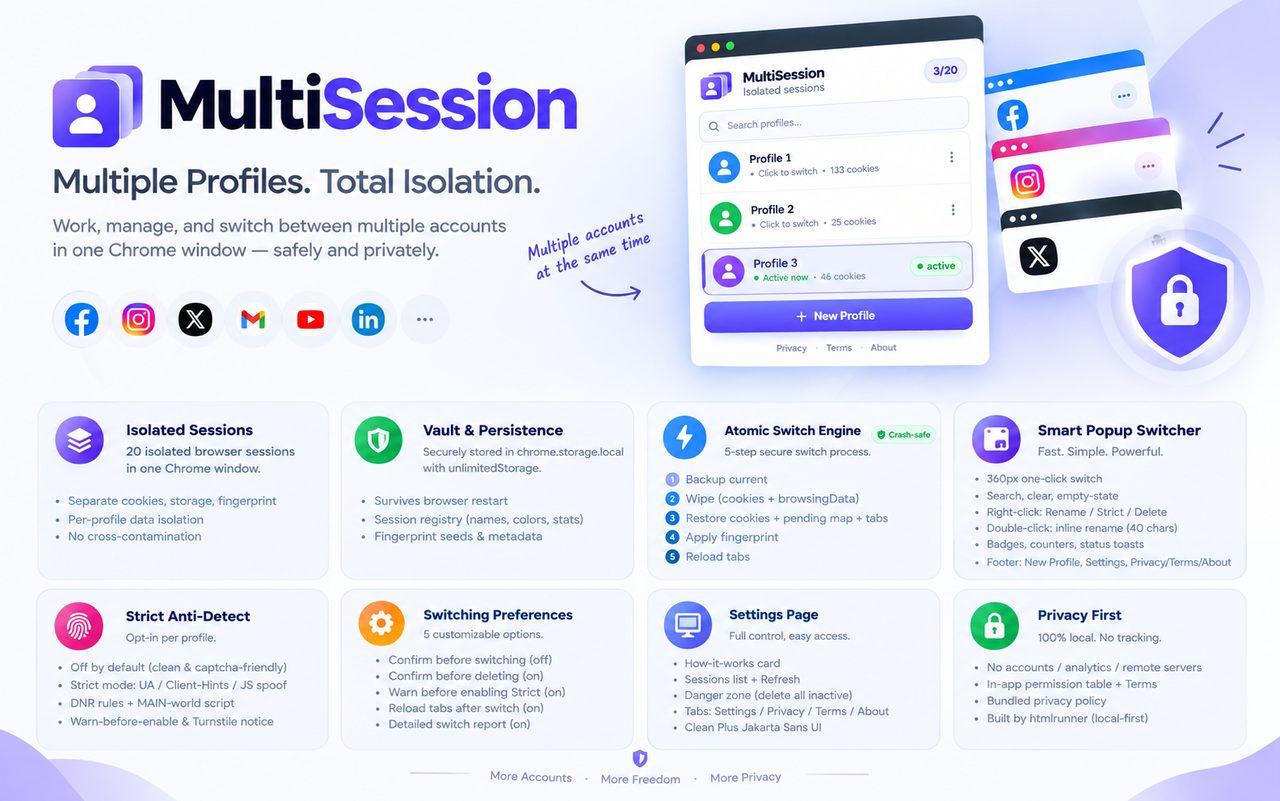
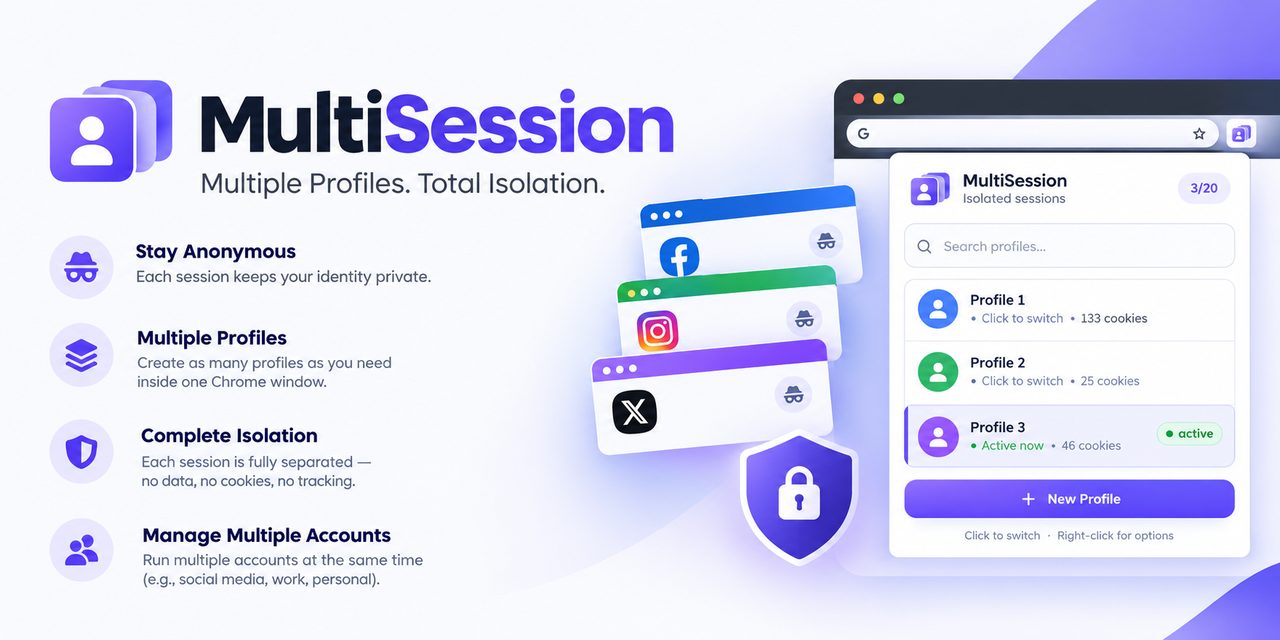
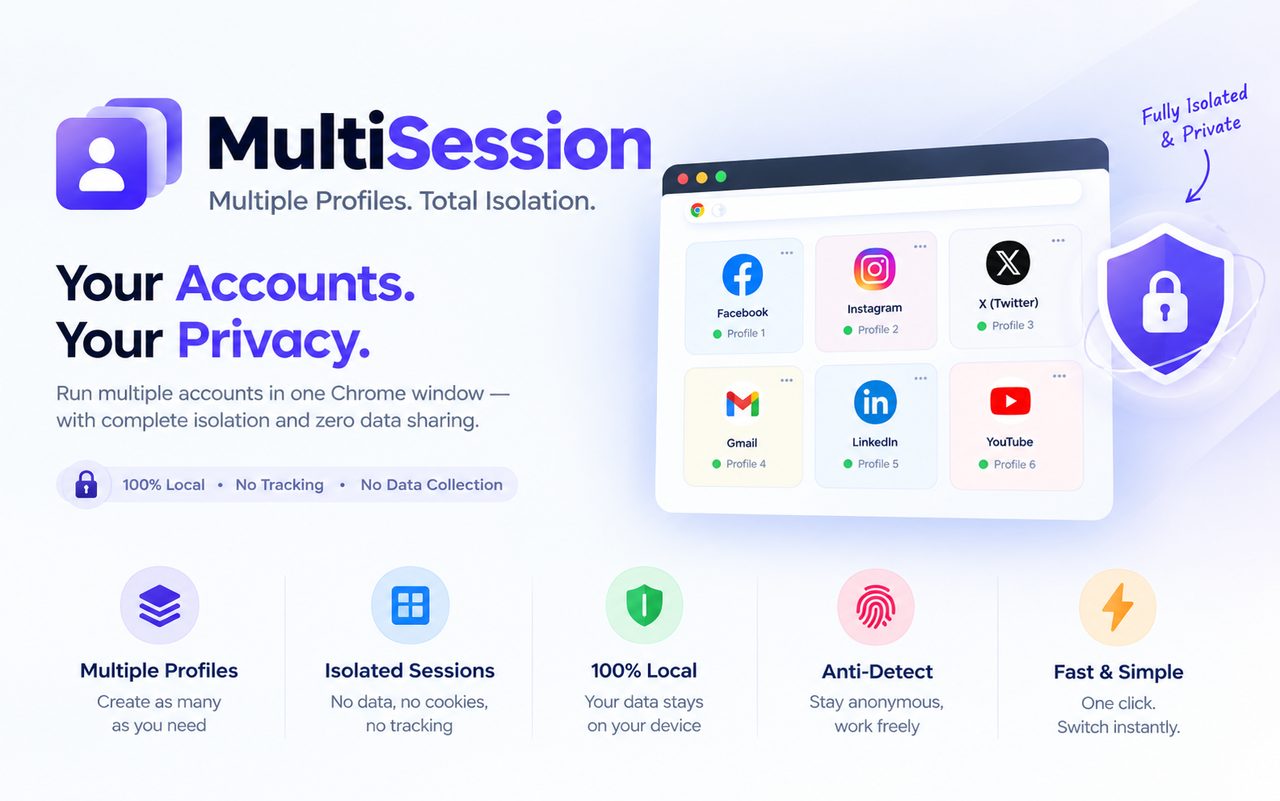
Run up to 20 isolated browser sessions in one Chrome window. Every profile keeps its own cookies, localStorage, sessionStorage, IndexedDB, and fingerprint. Switch-and-replace with one click — no second window, no incognito juggling, no logins leaking between accounts.
Not on the Chrome Web Store yet. Contact us to get notified at launch.
Screenshots
Click any screenshot to enlarge. Swipe on mobile.
Description
Multisession by HtmlRunner is the multi-account manager and session switcher for multiple accounts, cookie isolation, and fingerprint protection. Developed by HtmlRunner.
Perfect for multiple Gmail and Outlook accounts, Facebook, Instagram, TikTok, X, LinkedIn, Discord, Slack, ChatGPT and Claude, Amazon and Shopify seller accounts, Google Ads and Facebook Ads, client accounts, QA testing sandboxes, and web development. Social media managers, agencies, freelancers, and testers use it daily as their multi-login profile manager.
Why Multisession:
- 20 isolated browser sessions with true session isolation.
- Per-profile cookie isolation, localStorage isolation, IndexedDB per profile.
- Fingerprint protection by default, opt-in strict anti-detect per profile.
- One-click popup switcher with search, color avatars, and stats.
- Right-click to rename, toggle strict mode, or delete. Double-click to rename inline.
- Switch controls: confirm before switching, confirm before deleting, reload tabs after switch, detailed switch report.
- Crash-safe engine: backup, wipe, restore with pending-restore recovery.
- Local-first: everything stays in chrome.storage.local. No accounts, no analytics, no tracking.
How It Works
- Click a profile to switch sessions.
- Multisession backs up current cookies and storage, wipes live state, then restores the target vault with its own fingerprint.
- Tabs reload automatically so logins show immediately, or turn off auto-reload for silent restore.
Privacy-First by HtmlRunner
No data collection. Multisession makes no network requests of its own, operates no servers that receive your browsing data, and never sells or syncs your data. Permissions (cookies, storage, browsingData, tabs, declarativeNetRequest, unlimitedStorage, alarms) are used only for backup, wipe, and restore.